Hp Authorised Laptop Service Centre
Support paths
Each repair category is handled on the bench with component-level testing before any work begins.
We test power delivery, boot behaviour, and board-level faults to isolate the source of the problem before recommending any repair.
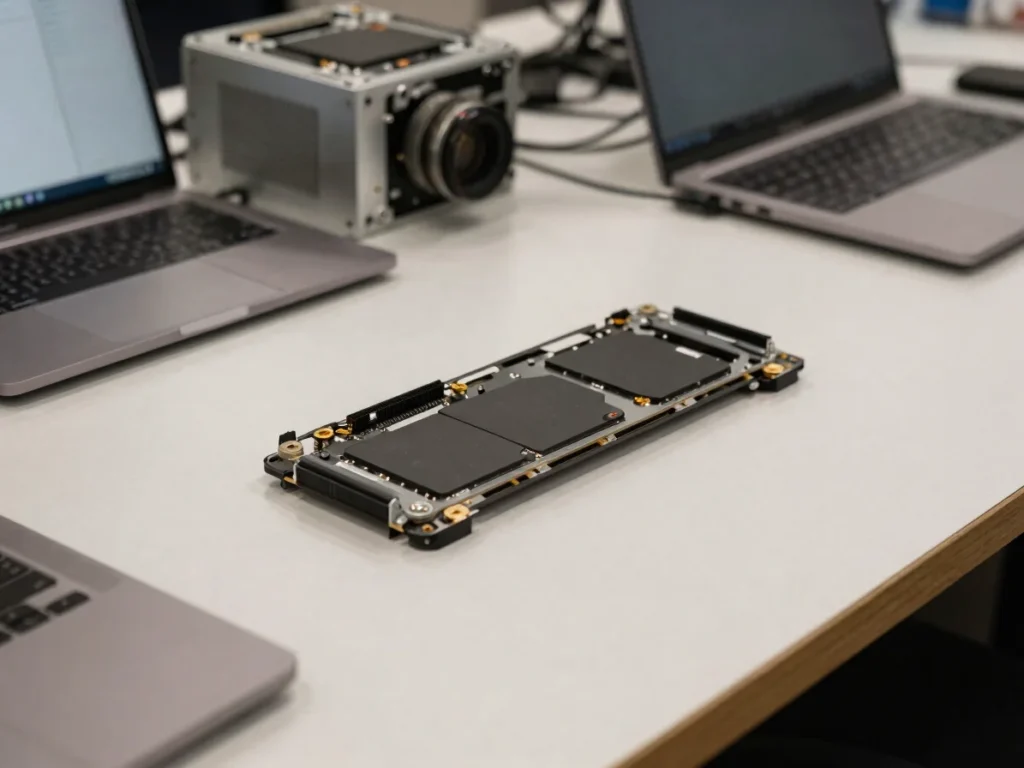
Failing parts such as batteries, memory, drives, and keyboards are replaced using procedures suited to the specific Hp notebook model.
We clean fans and heat sinks, renew thermal interface material, and check airflow so the laptop runs cooler and more reliably.
How intake works
01
Your laptop is powered on and tested for power, display, keyboard, and thermal behaviour under controlled conditions.
02
We review the observed hardware conditions with you and explain what was found before any work proceeds.
03
Completed work is retested across all key components so the laptop is verified before it is returned.
Dedicated handling
Screens
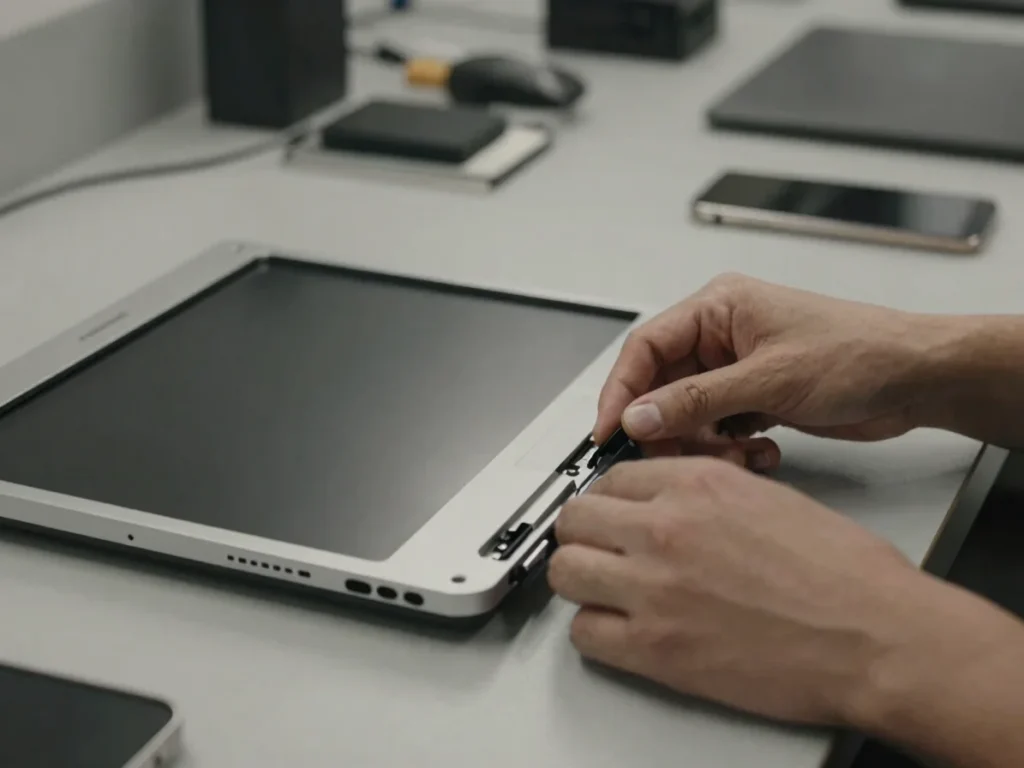
Screen panels, cables, and hinges are inspected and replaced with careful handling to protect the rest of the chassis.
Cooling
Fans, heat pipes, and heat sinks are cleaned and reassembled so the internal cooling system can move air properly again.